When you put Firefox into a full-screen mode, by default it keeps the toolbar and URL bar and all that in view.
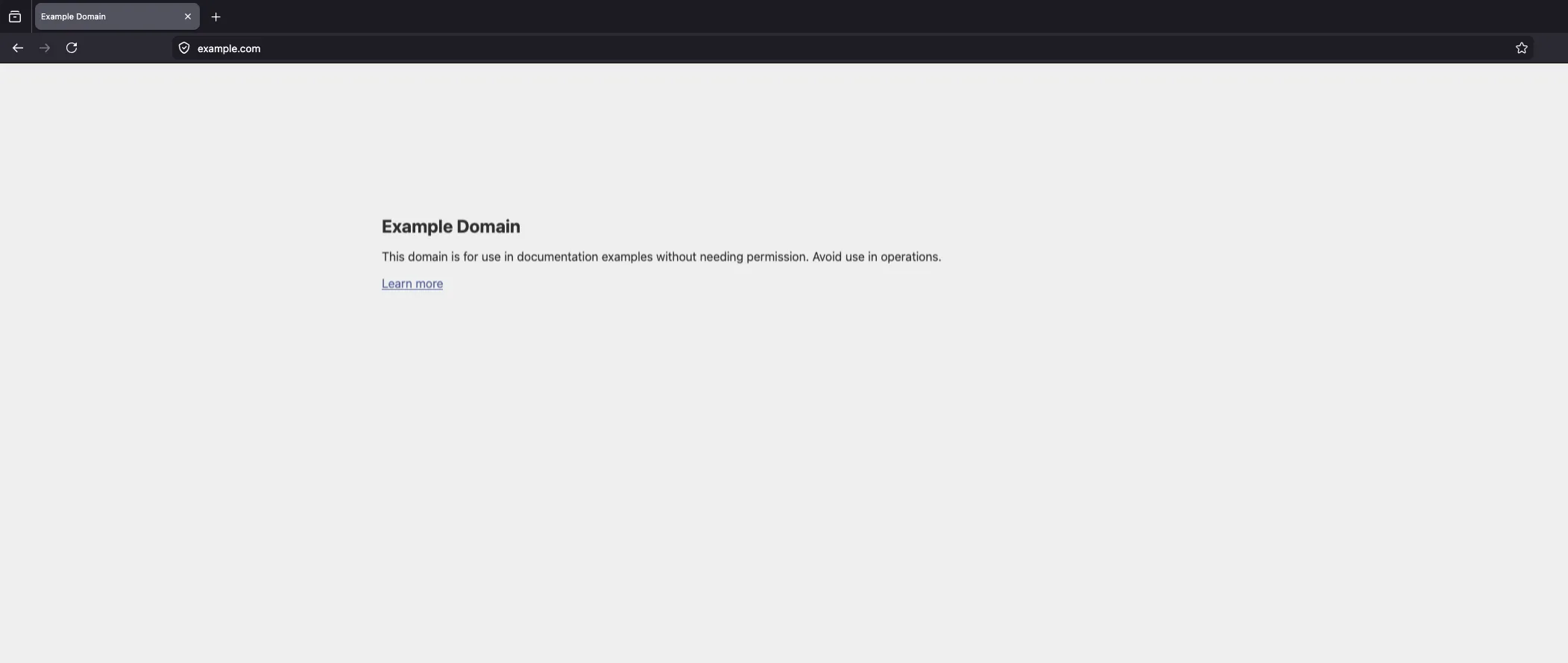
There are two ways to hide them, for example if you’re presenting something.
Way 1: Hide toolbars
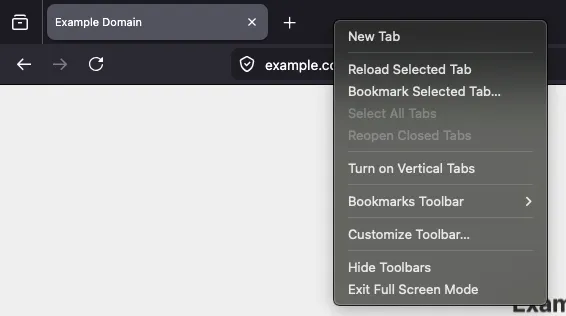
You can right click on the top toolbar and choose Hide Toolbars. Once hidden, you can access them by moving your mouse to the top of the window.
Way 2: about:config
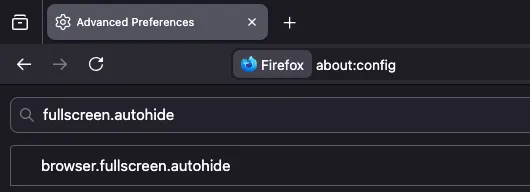
If you navigate to about:config and search for browser.fullscreen.autohide and turn it to true, Firefox will hide the toolbars in the future.